Create your Partner account
To get started, create your Partner account at https://partner.growfer.shinkly.com.
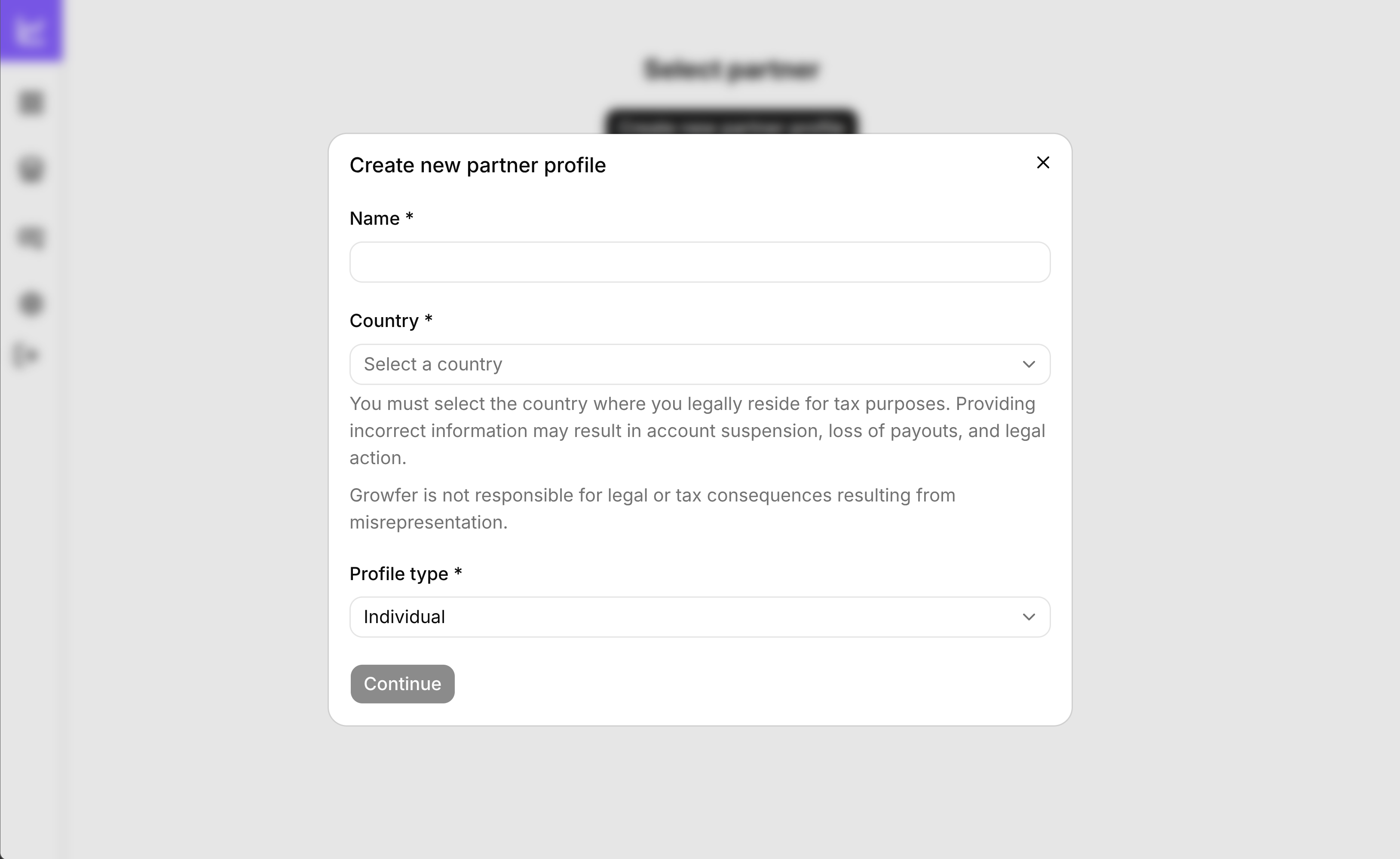
You can create an account as either:
- Individual – If you're joining as a person.
- Company – If you're joining on behalf of a business.
We recommend to create a single Partner account per person/company.
Always use accurate information to help ensure smooth payouts and account verification.
Individual account
If you're creating an individual account:
- Enter your real name.
- Select Individual as your profile type
Your name will be used on payout receipts.
Company account
If you're creating an account on behalf of a company:
- Enter your real name.
- Select Company as your profile type.
- Enter your company name.
Your company name will be used on payout invoices.
Switching Partner Profile
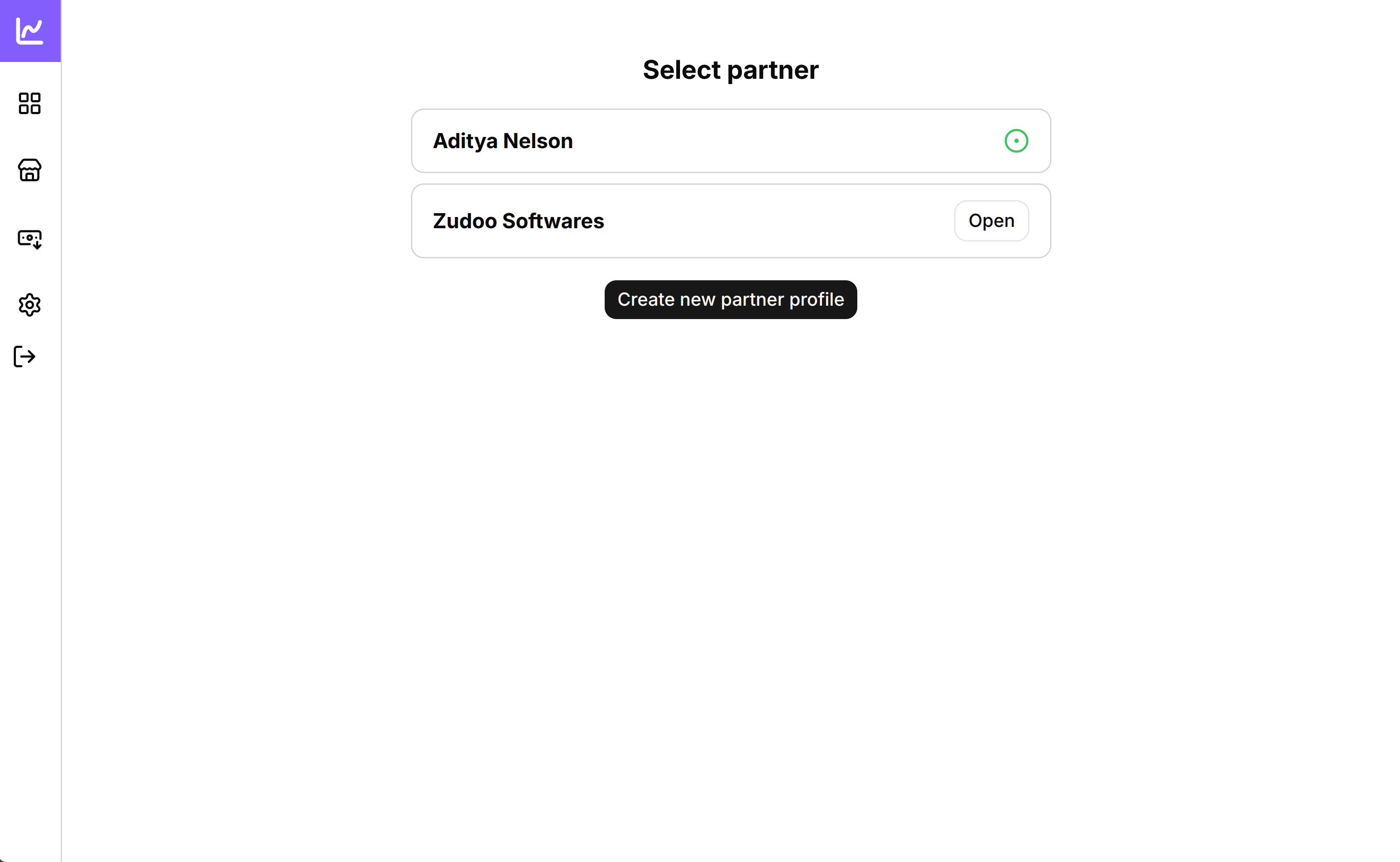
The Partner account which has "green circle" is currently active.
You can select on the "Open" button if you would like switch to another Partner account.